
Accessible storage units are drive-up or ground-level units, or ADA-marked indoor units, built to cut down the distance, steps, and lifting standing between you and your stuff. If accessibility is your priority, start by looking for facilities offering drive-up or ground-level access, confirm gate hours and parking proximity, and don’t stop there. How you pack the unit matters just as much as which unit you rent.
TL;DR:
- Drive-up units are best for frequent access to heavy or bulky items, with minimal carry distance from vehicle to storage door.
- Confirm specific unit features such as door width, threshold height, and parking proximity before signing a lease, as these vary even within the same facility.
- Ground-level and drive-up units generally meet ADA standards with wider doors and level surfaces, but always verify measurements and accessibility details in advance.
- Proximity to parking and safety features like good lighting and even surfaces are more important than size when choosing an accessible storage unit.
- Using shelving, labeling, and proper packing maximizes efficiency and reduces strain when accessing stored items regularly.
Table of Contents
- What Makes a Storage Unit Actually Accessible?
- Which Unit Type Fits Your Situation?
- How Do You Choose the Right Accessible Unit?
- How Should You Pack an Accessible Unit?
- How Island Park Storage Fits the Accessibility Checklist
- Practical Priorities When Accessibility Comes First
- Ready to See a Unit in Person?
- Sources
- FAQ
What Makes a Storage Unit Actually Accessible?
“Accessible” gets thrown around loosely in self-storage marketing. Let’s fix that.
Drive-up means you pull your car or truck right up to your unit door and start loading. No elevator, no long hallway, no cart required (though a cart never hurts). Ground-level is similar but might sit inside a building rather than facing a parking lot. Both cut your carry distance down to a few feet instead of a few hundred.
That distance matters more than most people think. If you’re hauling a bookshelf or wrestling a mattress out of a car, the difference between a 10-foot carry and a 100-foot carry is the difference between a Tuesday afternoon and a strained back.
Here’s what to actually check before you sign anything:
- Door width — Standard roll-up doors run 7 to 10 feet wide, but some smaller units narrow that considerably. If you’re moving furniture or using a wheelchair or scooter, ask for the exact measurement.
- Threshold clearance — A raised lip at the doorway sounds minor until you’re pushing a loaded dolly over it.
- Surface evenness — Gravel lots, cracked pavement, and steep ramps all complicate access for mobility aids and hand trucks alike.
- Parking proximity — Can you park within a few feet of your unit, or are you hiking across a lot first?
- Lighting — Interior hallways and outdoor rows both need enough light to move safely after dark.
- Gate hours — 24/7 access beats a 9 to 5 window if your schedule doesn’t cooperate with business hours.
Some of these are legally required under ADA standards for self-storage, which generally call for ground-level access, wider doorways, and routes free of stairs or steep inclines. Others, like better lighting or extended gate hours, are just good facility design. Both categories matter, but only one is enforceable.
Pro Tip: Call ahead and ask the facility to measure the door width and threshold height on the specific unit you’re considering, not just “the accessible ones.” Numbers can vary unit to unit, even within the same row.
Which Unit Type Fits Your Situation?
Not every accessible unit works the same way, and picking the wrong type can turn a good facility into a daily headache.
Drive-up units win for anything heavy, bulky, or frequently accessed. Furniture, tools, seasonal inventory for a small business, boxes you’ll be grabbing every week. You load straight from your vehicle with almost no carry distance, which also makes these units a natural fit if you’re managing a stroller, a cane, or a wheelchair.

First-floor interior units are the solid backup when drive-up isn’t available or is already booked. You still get level access, just through a building hallway instead of a parking lot. Confirm the hallway itself is wide enough and free of steps before you commit.
Elevator-served upper units can work fine, but only if the elevator is large enough for your items and the loading area on both ends has a level, even surface. Ask about elevator width and weight capacity if you’re moving anything oversized.
ADA-marked units get intentional placement, usually near the front of a facility or closest to accessible parking, specifically to minimize walking distance for renters who need it. Many providers highlight these units directly as part of their standard offering, with features like wider corridors and available staff assistance built in.
The right pick depends on what you’re storing and how often you’ll be back. A once-a-year holiday decoration stash tolerates an elevator ride. A daily-use business inventory unit does not.
How Do You Choose the Right Accessible Unit?
Comparing facilities gets a lot easier with a short checklist in hand. Here’s one worth bringing to your next tour or phone call:
- Confirm ground-level or drive-up availability for the size you need, not just “somewhere in the building.”
- Ask about gate access hours and whether the entry keypad or card reader sits at a reachable height.
- Check door width and threshold height for the specific unit, not the facility average.
- Ask about parking distance from your car to the unit door.
- Confirm deposit and contract terms — month-to-month with no deposit gives you flexibility if your needs change.
- Ask what happens if the unit doesn’t work out after you move in. Can you swap sizes without a penalty?
When you call or show up at the gate, a few quick questions save a lot of regret later:
“Can you tell me the exact door width and whether there’s a step or lip at the threshold?” “Is this unit drive-up, or will I be walking through a hallway?” “What are your gate hours, and is the keypad accessible from a seated position?”
On sizing, there’s a real tradeoff worth thinking through. Renting a size larger than you strictly need gives you room for a center aisle, which makes retrieval faster and easier on your back. Packing tightly into a smaller unit saves money but demands more careful, retrieval-first loading since there’s no room to spare.
Pro Tip: If a facility won’t let you see the actual unit or take a measurement before you sign, treat that as a red flag. A legitimate facility has no reason to hide a doorway.
Watch for vague answers about “accessible options” without specifics, gate hours that sound flexible but aren’t confirmed in writing, and any pressure to sign before you’ve toured the space in person.
How Should You Pack an Accessible Unit?
Even the most accessible unit turns into an obstacle course if you pack it badly.
For small units, roughly 5x10 feet, pack in retrieval order rather than trying to squeeze in a walkway. A center aisle in a unit that size just eats floor space you need for boxes. Load the things you’ll need last at the back, and the things you’ll need first right by the door.
Larger units, 10x15 or 10x20, flip that logic. With more square footage to work with, a center aisle actually pays off, giving you a clear path to reach items in the back without unstacking everything in front of them.
A few habits make a bigger difference than people expect:
- Use shelving wherever you can. Vertical storage keeps the floor clear for walking and rolling, and it reduces the repetitive strain of bending to dig through stacked boxes.
- Label boxes facing the aisle, not the wall, so you can read them without pulling anything out.
- Photograph your layout right after you finish packing. A quick photo on your phone means you’re not guessing where the winter coats ended up six months later, a useful tip detailed in Indianapolis valuables storage for executives for keeping your unit well-documented.
- Keep box orientation consistent. Same side up, same label position, every time. It sounds small until you’re digging through a unit in the dark with one hand on a flashlight.
- Bring a dolly or hand truck. Most facilities have a loading dock or level pavement built for exactly this kind of equipment, and flat loading surfaces plus easy rolling access cut down the effort of moving heavy or bulky items considerably.
Clear totes beat cardboard for anything you’ll open and close repeatedly. You can see what’s inside without opening the lid, which saves time on every single visit.
How Island Park Storage Fits the Accessibility Checklist
This storage facility was designed with a lot of this checklist already in mind, not as an afterthought.
Every unit is a drive-up container, so you’re loading straight from your car with no hallway, no elevator, and no long carry. 24/7 gate access means you’re never stuck waiting for business hours if you need something at 6am or 10pm. Contracts run month-to-month with no deposit required, so you’re not locked into a year-long commitment for a unit that might turn out to be the wrong size or the wrong access type.
The facility offers a wide range of unit sizes, from small personal storage to larger units for small-business inventory, plus secure drive-up parking for vehicles, RVs, and boats if that’s part of what you need to store. On-site management is friendly and available to help, whether that’s confirming a door measurement or walking you through gate access before you commit.
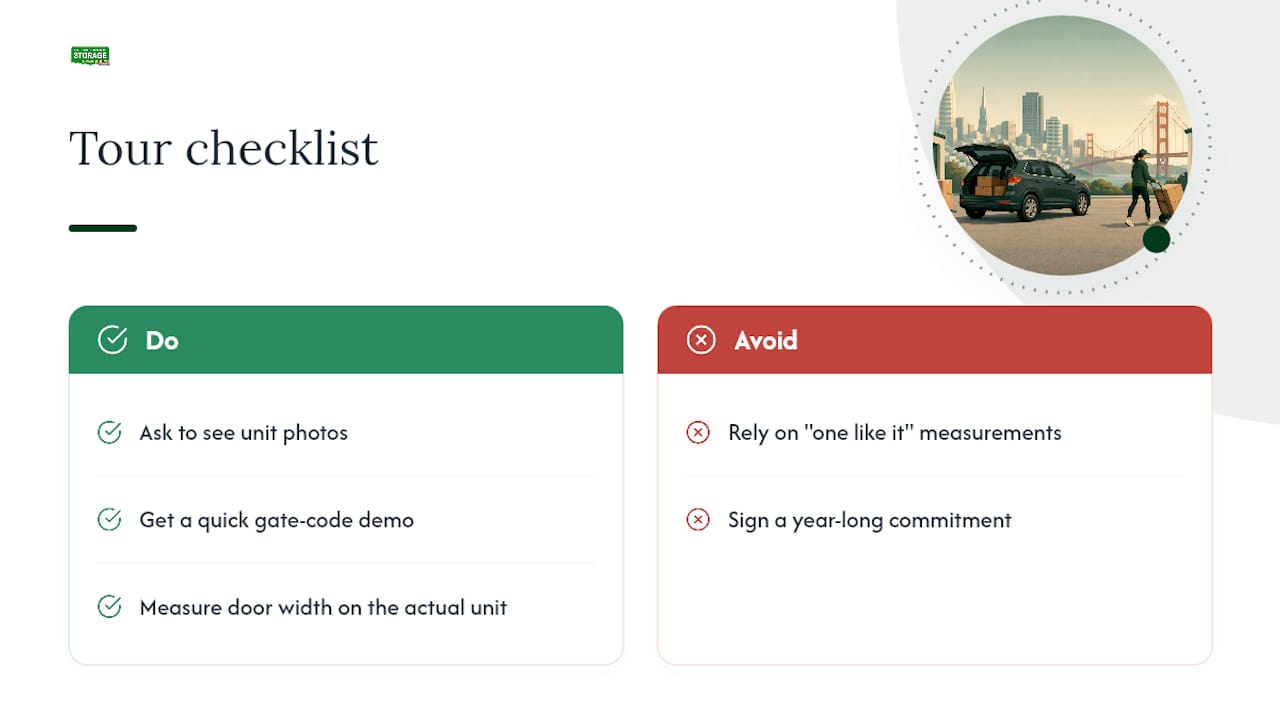
Before you tour, ask to see unit photos, get a quick gate-code demo, and have someone measure the door width on the actual unit you’re considering, not just “one like it.”
Practical Priorities When Accessibility Comes First
Here’s my honest take after digging through how facilities actually handle accessibility versus how they market it: proximity beats square footage almost every time. A slightly smaller unit five steps from your parking spot beats a bigger one down a long hallway.
My framework, in order: safety first (even surfaces, good lighting, no tripping hazards), then proximity and physical access (drive-up or ground-level, wide doors), then staff availability and gate hours, and only then price. Renting the cheapest unit that requires a struggle every visit isn’t actually saving you anything.
Don’t be shy about asking a facility for a tour and exact measurements before you sign. Any legitimate operation expects that question and should have a straight answer ready.
— Mike
Ready to See a Unit in Person?
Island Park Storage gives you what this whole checklist is built around: drive-up container units you load straight from your car, 24/7 gate access so your schedule never has to bend around business hours, and month-to-month contracts with no deposit if you’re not ready to commit long-term.
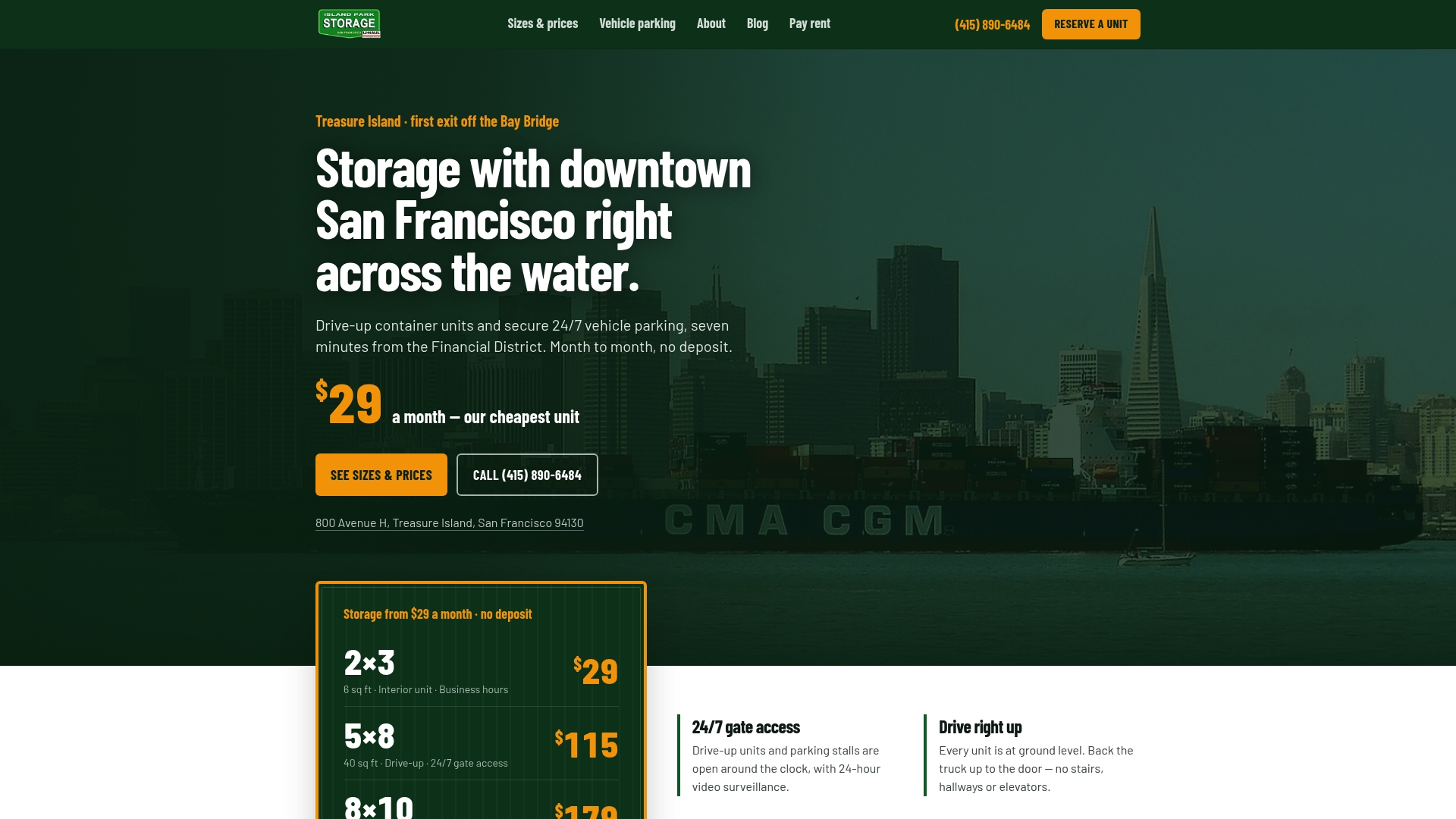
If you’ve been comparing unit types and access features while reading this, the next step is simple. Check current unit sizes and pricing to see what fits your load, or browse vehicle and RV parking options if you’re storing more than boxes. On-site management is on hand near downtown San Francisco to answer questions about door widths, gate codes, or anything else on your list before you book.
Sources
FAQ
Can I sleep in a storage unit during the day?
No. Storage units aren’t designed or zoned for occupancy, and using one as a place to sleep, even briefly, violates most facility rental agreements and local safety codes.
What does ADA mean for storage units?
ADA-related accessibility for self-storage generally means ground-level access, wider doorways, and routes without stairs or steep inclines so people using mobility aids can access their unit independently.
What is a drive-up access storage unit?
A drive-up unit lets you park your vehicle directly next to your storage door and load or unload without walking through hallways, elevators, or long parking lots. Island Park Storage’s units are all drive-up container units for exactly this reason.
What is the cheapest way to get storage?
The cheapest option is usually a smaller unit packed in retrieval order rather than a larger unit you don’t fully use, paired with a month-to-month contract so you’re not locked into paying for space you no longer need.